Use one private client gallery
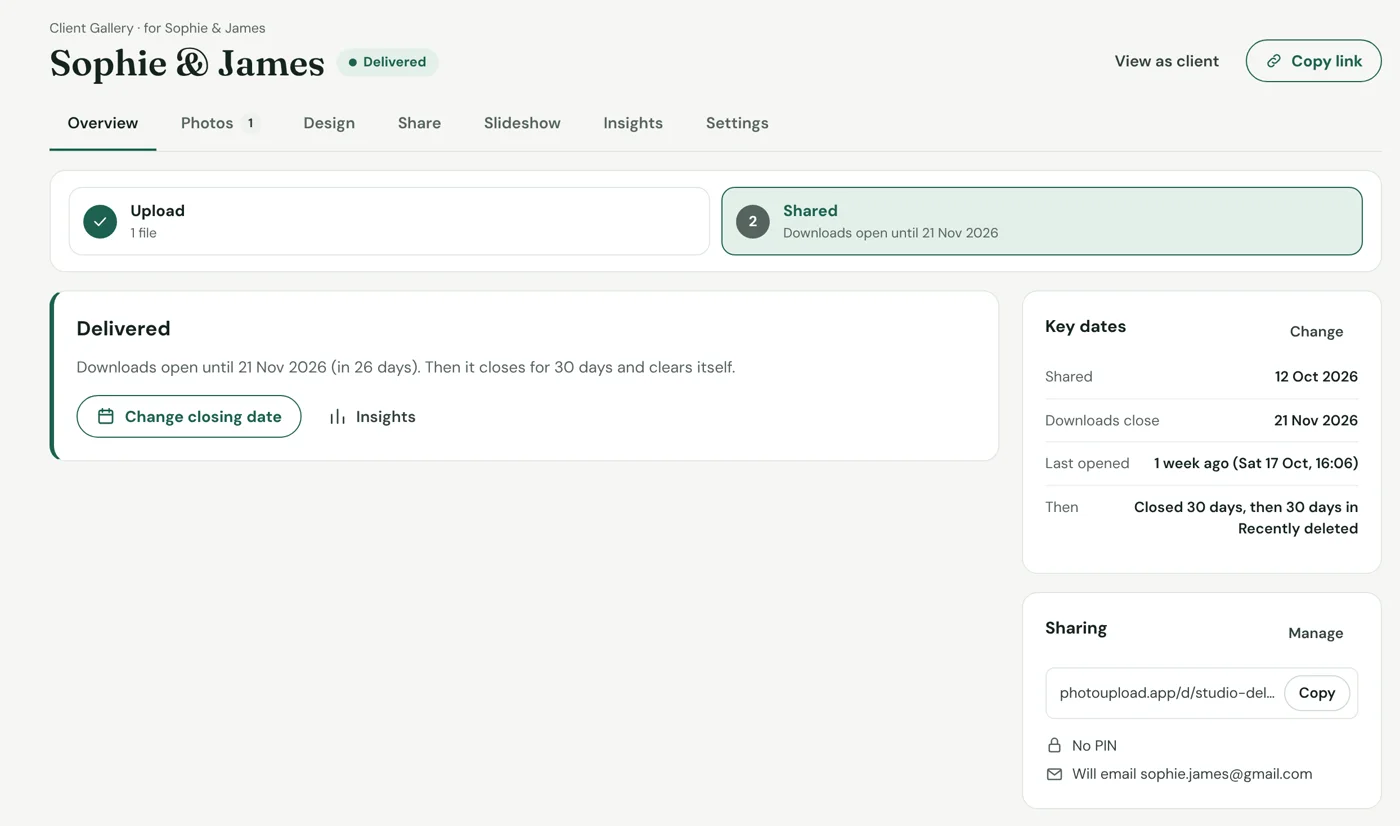
Upload the finished photographs and share one private link. A client delivery gallery lets people view the collection on any device, download the files you allow and return to the same place while the gallery is available.
- One clear link instead of multiple file-transfer emails.
- Optional PIN protection for private client work.
- Original and download-ready copies where enabled.
- Categories help larger weddings or commercial shoots stay organised.
Make the photo delivery feel like part of your service
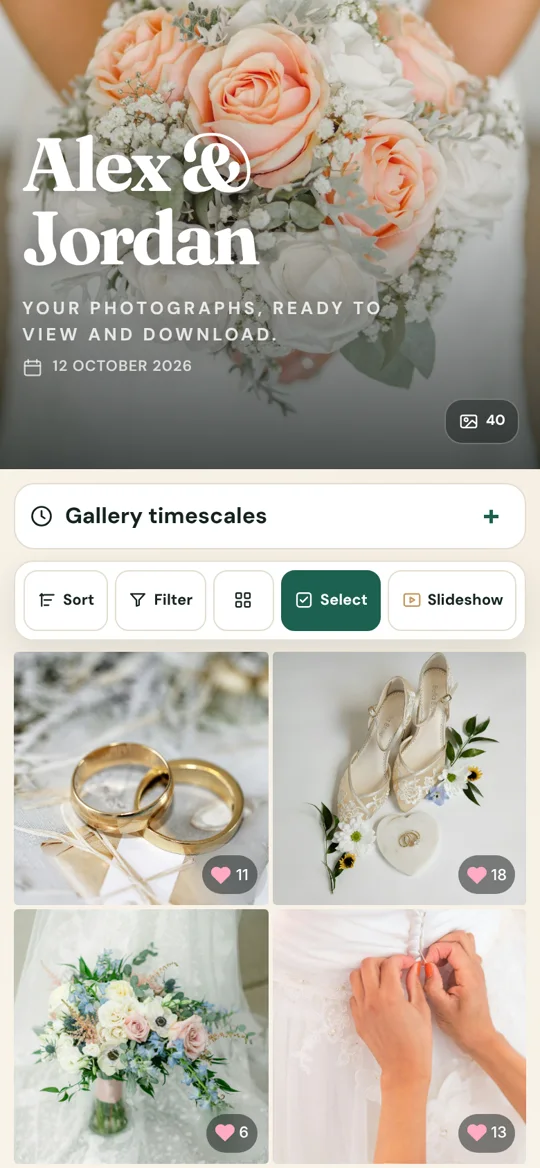
Use your business name, logo, colours and cover so the experience still feels like your studio.
Tell clients how long the gallery will remain available and encourage them to save their own copy.
A reminder before the deadline reduces the need for “have you downloaded them?” messages.
Gallery opens and per-file downloads help confirm whether the client has actually accessed the work.
Full-size photos or smaller copies?
Some customers want the biggest, best-quality files so they can print their photos. Others also want smaller copies that are quicker to share online. You can offer the download choices that suit the job.
- Keep the final collection easy to browse.
- Use clear categories rather than huge flat folders.
- Set access and download permissions before sharing.
- Keep your own archive: the client gallery shouldn’t be your only backup.
Know when your client has their photos
Instead of guessing whether a customer has opened their gallery, you can check visits and downloads. That helps you know whether they have seen their finished photographs.
PhotoUpload Client Gallery: private branded galleries, client emails, automatic reminders and individual-file download insights keep the handover simple for both sides.