


 Mia
 Ollie
 Zara
 Ben
 Hannah
 Kai
 Ruby
 Leo
 Amy
 Finn
No app for guests
They scan with their phone camera and they’re in, even with a witch’s hat on.
Everyone’s snapping the costumes, the pumpkins and the jump scares. Give them one QR code and every photo lands in the same private gallery, not scattered across a dozen phones.
No card needed · Upgrade any time · No app for guests
They scan with their phone camera and they’re in, even with a witch’s hat on.
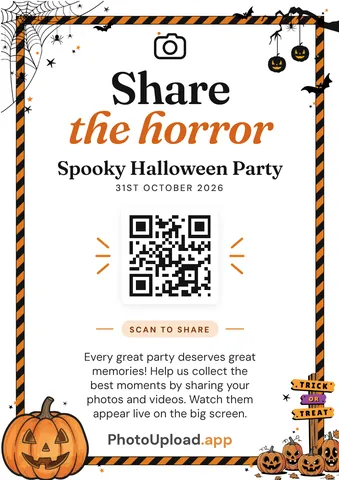
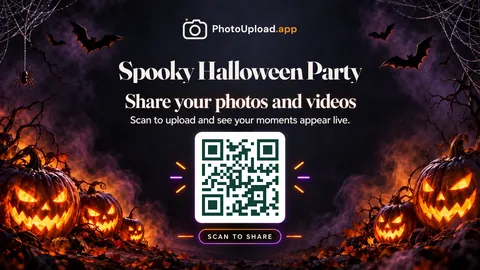
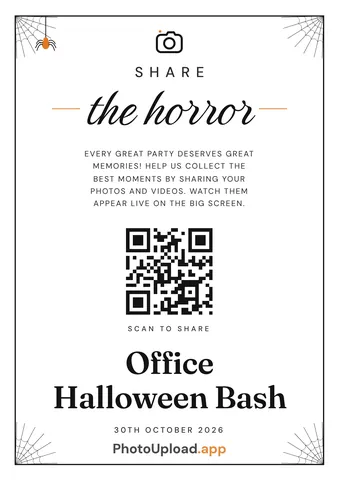
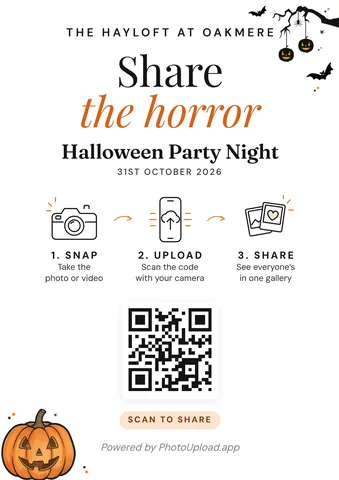
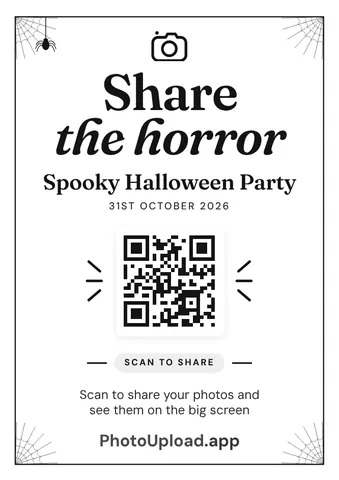
Halloween designs with pumpkins, bats and spider webs, ready to print the minute you create your gallery.
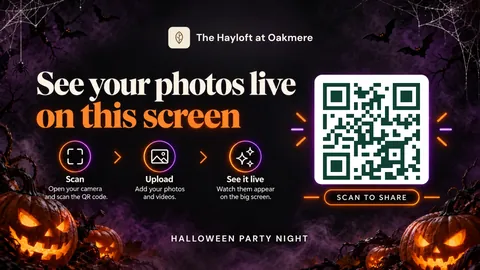
Photos on a TV or projector as they arrive, so the costumes take centre stage, on paid plans.
Only people with your link or QR code can see it. Hide any photo you’d rather keep off it, or check each one before it shows on paid plans.
Guests add a caption to tell the story behind a photo, or leave a message on its own on paid plans.
Download it all in full quality, or back it up to Google Drive or OneDrive.
Venues and planners get their own branding on every gallery, QR sign and live screen, with one monthly bill.
No. They scan the QR code with their phone camera, or tap the link, and add photos straight away.
Yes. Halloween party galleries get Halloween decorations in the poster designer, including pumpkins and bats, a spider web frame and an orange and black striped border.
Yes. Guests can keep adding photos for 7 days after the party on the free Snapshot, and 30 days on paid plans.
Yes. On paid plans, open the live screen on any TV or projector and photos appear as guests add them, with a Halloween theme for the QR code reminders.
It’s free to start. Upgrade if you need more photos, videos or the live screen, and only pay the difference if you upgrade again.