
What does a guest upload gallery actually do?
A guest upload gallery gives your guests a simple way to contribute their own photos and videos to one shared collection. You create the gallery, share its private link or QR code, and guests open the upload page in their normal phone browser.
There is no need to ask everyone to download the same app, join a group chat or remember to send their photos days later. The gallery becomes the central place for the candid moments captured by everyone who was there.
Set up the event, choose how it looks and get a private upload link and QR code to share.
They open the upload page on their phone without needing a PhotoUpload account.
Guest photos and eligible video clips collect in the same Guest Upload Gallery instead of being spread across different chats and devices.
Share the gallery so people can browse the event from lots of different viewpoints and download the memories available to them.
Why would you use a guest upload gallery?
At most events, dozens or even hundreds of photographs are taken by the people attending. The problem is rarely that the photos don’t exist. It’s getting them all back afterwards.
- Collect more candid moments. Guests photograph reactions, table selfies, dance floors, speeches and little moments happening away from the main camera.
- Stop chasing people afterwards. One QR code gives everyone the same place to upload while the event is still fresh in their mind.
- Keep photos out of busy group chats. Messages can stay as messages while the photographs live together in the gallery.
- Make sharing easy for different ages. A browser link or QR code is simpler than asking every guest to install an app or create another account.
- See the event from different viewpoints. The host gets far more than one person’s perspective of the day.
- Keep one collection to return to. Instead of photos being scattered across phones, chats and social media, the event has one shared home.
Guest photos add to the professional photographs; they don’t replace them. Professional photographs give you the polished record of the event; guest uploads add the spontaneous reactions, behind-the-scenes moments and different viewpoints a photographer can’t be everywhere to capture.
Which events can have a shared photo gallery?
Almost any time people are taking pictures together. It doesn’t have to be a wedding or a huge party.
Gather the table photos, speeches, dancing and moments you might have missed.
Great for surprise parties, baby showers, reunions and milestone birthdays.
Bring together photos from work parties, conferences, charity events, clubs and sports teams.
Share photos from proms, graduations and leaving celebrations.
Keep the group’s photos together instead of asking everyone to send them later.
From Christmas and retirement parties to private gatherings to remember someone, share with the people you choose.
How do guests know where to upload?
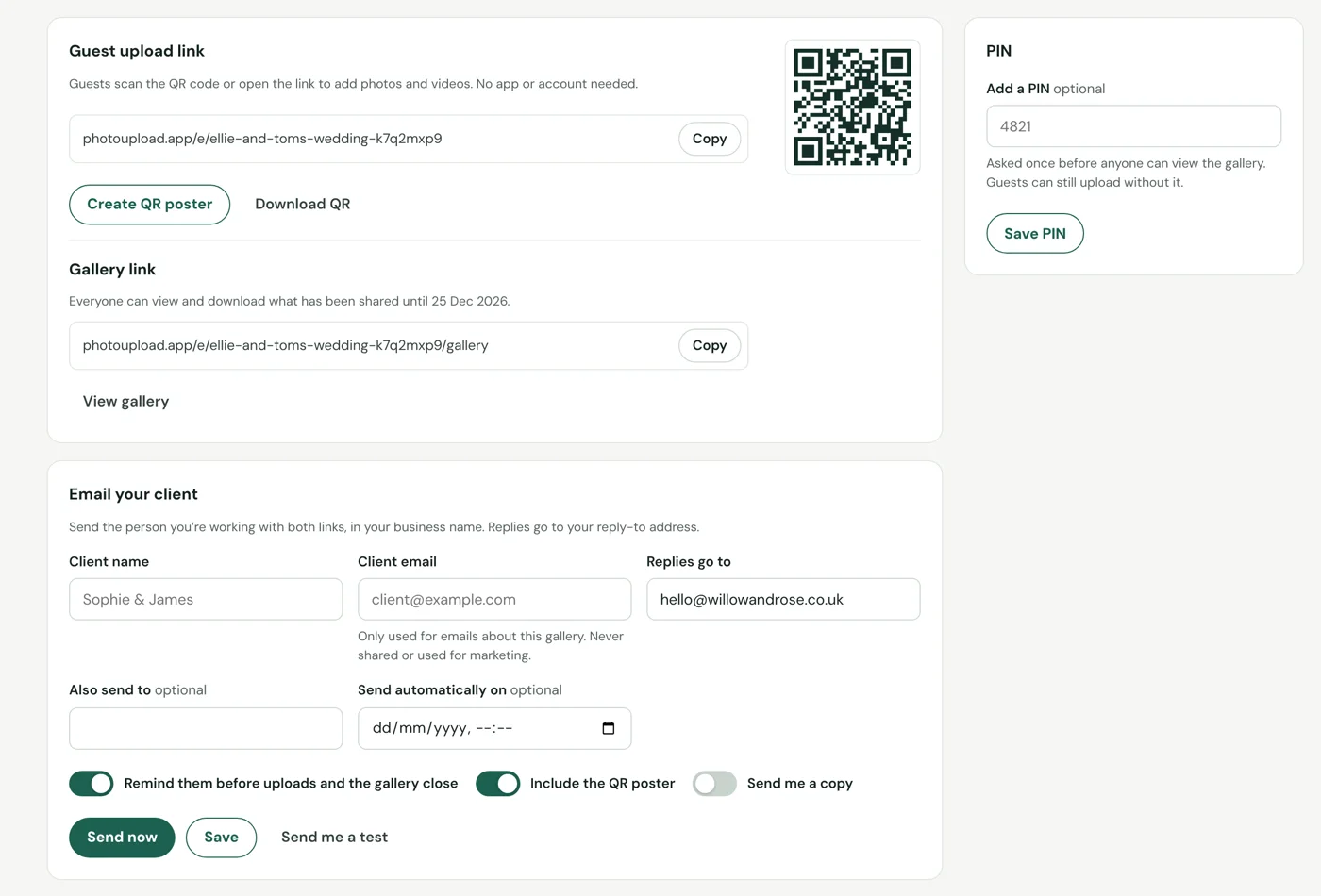
The easiest option is usually a QR code. Put it somewhere guests naturally see it: on tables, near the bar, beside a guest book, at a photo booth or on a welcome sign. You can also send the same private link through invitations, WhatsApp, Messenger, email or your event website.
PhotoUpload Guest Upload Galleries include a QR code and printable QR poster, so you can use the same gallery online and around the venue.
Simple wording works best: “Share your photos here” or “Help us capture every moment.” For parties, you can make it more playful with photo prompts such as table selfie, funniest moment, best dance move or best dressed.
Is a guest upload gallery private?
A guest upload gallery is designed around a private event link rather than a public social-media feed. You decide who receives the link or sees the QR code. Depending on the gallery features you choose, you can also use options such as a gallery PIN for additional control.
This makes it useful for events where people want the convenience of shared photo collection without asking everyone to post their pictures publicly.
Guest Upload Galleries for businesses
We also offer a branded guest upload service for business use. If you’re an event venue, event photographer, party organiser, wedding planner or another business running events for clients, a Guest Upload Gallery can become part of the service you already provide.
Instead of sending clients to a generic upload page, you can create repeat guest galleries using your own business branding. Add your public brand name, logo, contact details and gallery styling so the experience feels connected to your business from the moment a guest scans the QR code.
Offer a branded guest photo gallery alongside weddings, parties and venue packages as an extra part of the customer experience.
Give guests somewhere to contribute their candid photographs, then use the gallery alongside the professional service you already provide.
Include a ready-to-share QR gallery in your event package and manage multiple client events from one business account.
Create repeat branded galleries for company events, awards, conferences, seasonal parties and community activities.
A Business account lets you create galleries for different clients and events from one place.