



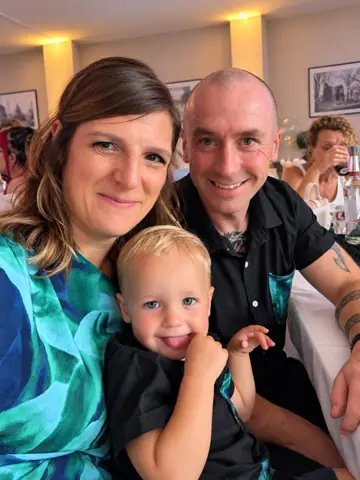




 Debbie
 Ben
 Sarah
Old photos welcome
Photos of prints taken on a phone, scans and digital photos all go in the same gallery.
The best photos for a 60th birthday slideshow are in other people’s albums, lofts and phones. Send one link, and family and friends add them straight into a slideshow you can play at the party.
No card needed · Upgrade any time · No app for anyone
No more chasing photos by text and email, or scanning them in one by one. Everyone adds their own, wherever they live.
Share it in the family chat or with the invitations. Ask for baby photos, school photos, weddings, holidays and old favourites.
Cousins, old school friends and colleagues add photos from their side of the story, with a caption to say when and where.
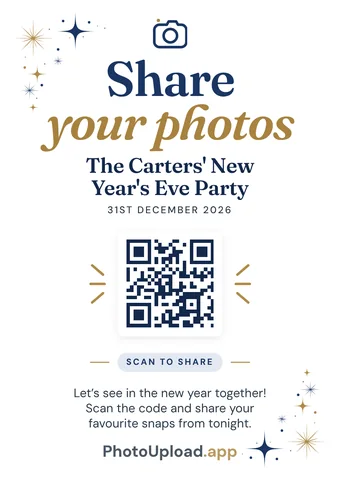
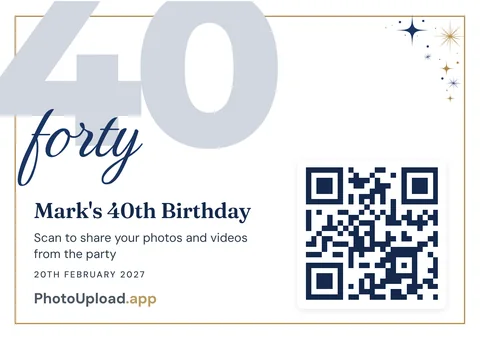
Put it on the TV with a soundtrack. Guests who scan the QR code add the party itself as it happens.
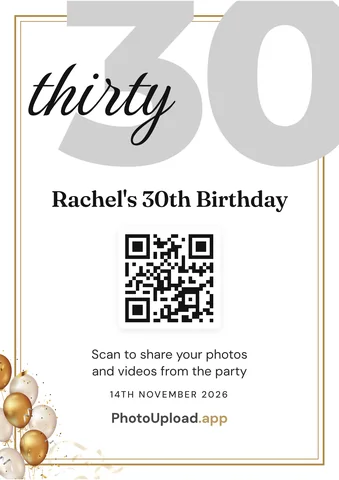
Photos of prints taken on a phone, scans and digital photos all go in the same gallery.
No app and no account. If they can open a link, they can add a photo.
A title slide, gentle transitions and a soundtrack, on paid plans.
Guests add a caption to tell the story behind each photo, or leave a birthday message on its own on paid plans.
Photos on a TV or projector as they arrive, on paid plans.
Download every photo in full quality, or back it up to Google Drive or OneDrive.
Birthdays, anniversaries and parties of every kind, with a QR code for the guests.
Create a gallery and send the link to everyone, in the family chat or with the invitations. They tap it, pick photos from their phone or computer, and add a caption if they like. Photos of old prints taken on a phone work well.
Up to 30 days before the party on paid plans, or 7 days on the free Snapshot.
Yes. On paid plans, play the gallery as a slideshow with a soundtrack, or as a live photo wall that new photos join during the party.
Only people with the link or QR code can see the gallery. Add a PIN for extra privacy, and share it with the birthday star when you’re ready.
It’s free to start. Upgrade if you need more photos, the slideshow with music or the live screen, and only pay the difference if you upgrade again.