







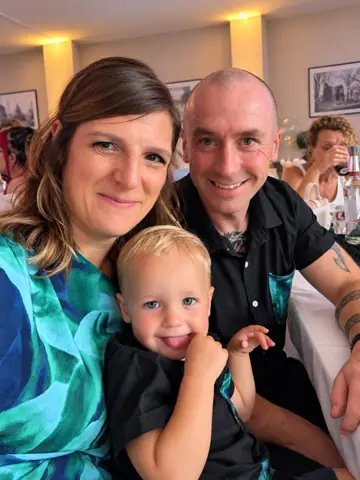

 Debbie
 Stephen
 Jess
 Claire, Mark & Belle
 Ben
 Debbie
 Sarah
 Debbie
 Sarah
 Sarah
 Debbie
 Sarah
 Sarah
 Tan
 Sarah
 Debbie
 Sarah
 Sarah
 Claire, Mark & Belle
Two ways to show them
A slowly moving Story Wall of photos and captions, or one photo at a time with a gentle zoom.
Guests scan a QR code, share a photo, and seconds later it’s up on the TV at the reception with their message. Everyone wants to see theirs go up, so everyone joins in.
Live screen on paid plans · Upgrade any time · No app for guests
Open the gallery to family and friends early, and the screen has a story to tell from the moment guests walk in.
Family and friends add childhood photos, holidays and how-you-met moments of you both.
The memories play on the screen while guests find their seats and their drinks.
Every guest who scans the QR code adds the day as it happens, from the ceremony to the first dance.
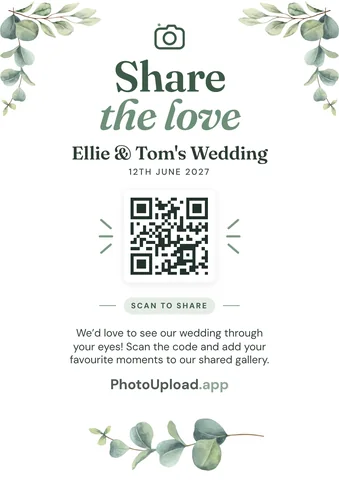
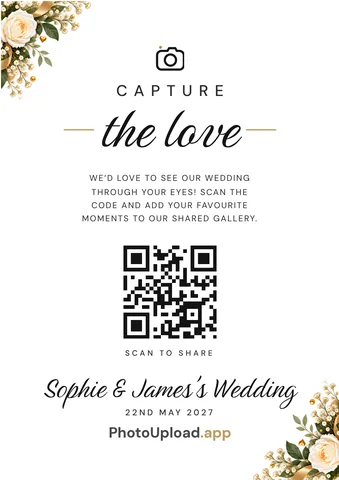
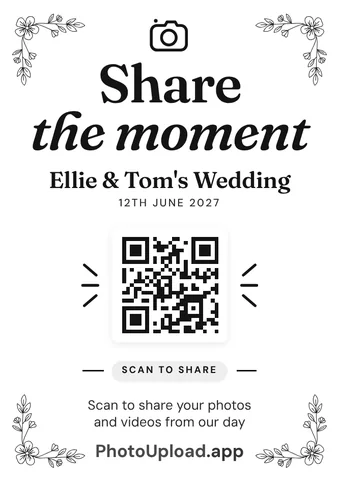

A slowly moving Story Wall of photos and captions, or one photo at a time with a gentle zoom.
Every few minutes your QR code takes over the screen, so late arrivals can join in too.
From your phone, pause the screen or hide any photo from it in a tap.
Captions and good wishes appear alongside the photos.
They scan with their phone camera and they’re in. Even Grandma.
Every photo stays in your gallery to download in full quality afterwards.
Layouts, connecting a TV, and tips for the day.
A TV, projector or laptop with a web browser and an internet connection. Most smart TVs and streaming sticks work. Open the live screen, then type the code it shows on your phone.
Every paid plan. Start free and upgrade any time before or after the day, and only pay the difference if you upgrade again.
Yes. Turn on Approve before showing to check each photo first, or hide any photo from the screen from your phone.
The screen keeps playing the photos it already has and picks up new ones when the connection comes back. Guests can share on their mobile data.
Yes. Business accounts put their own branding on the gallery, the QR signs and the live screen.